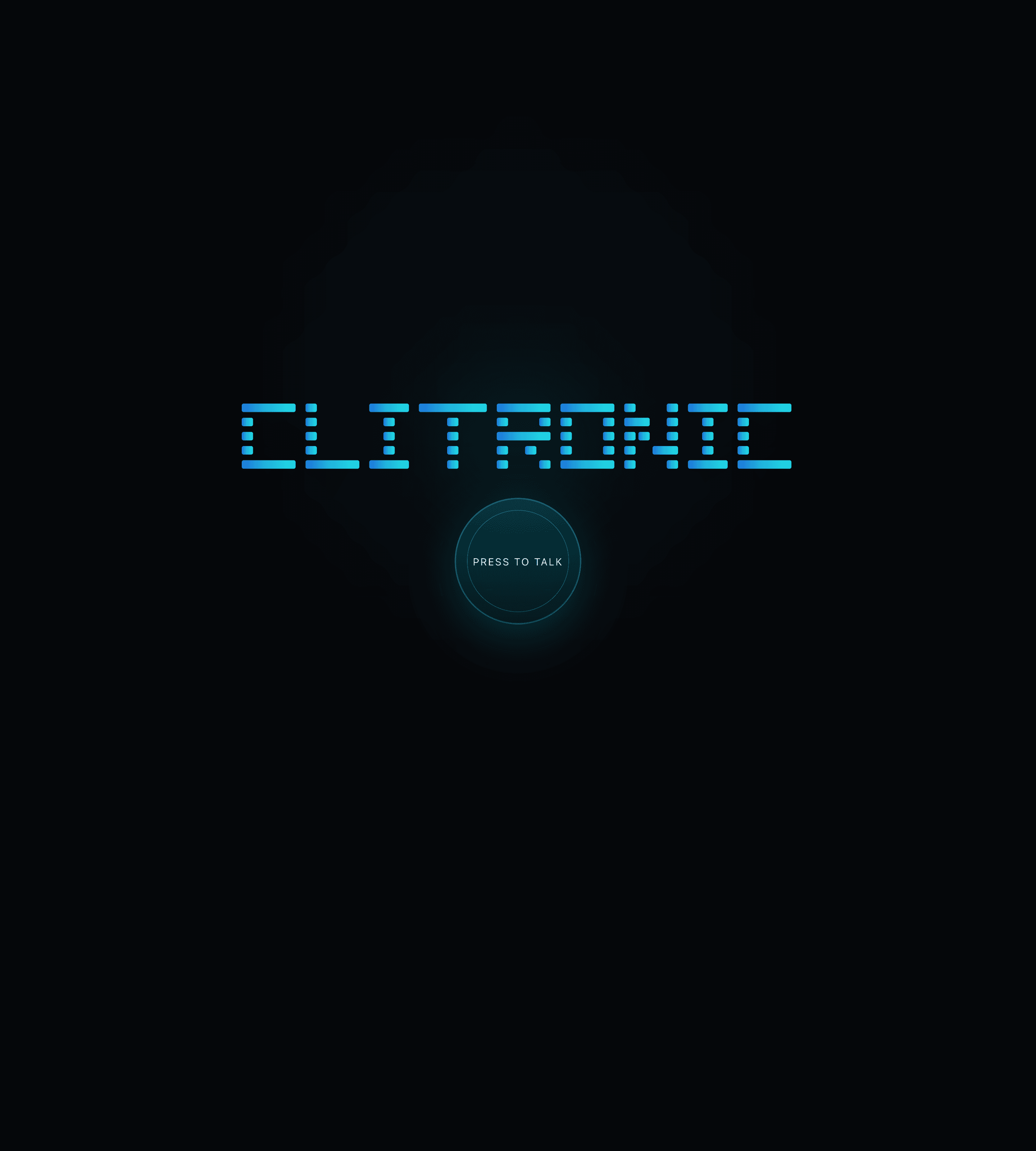
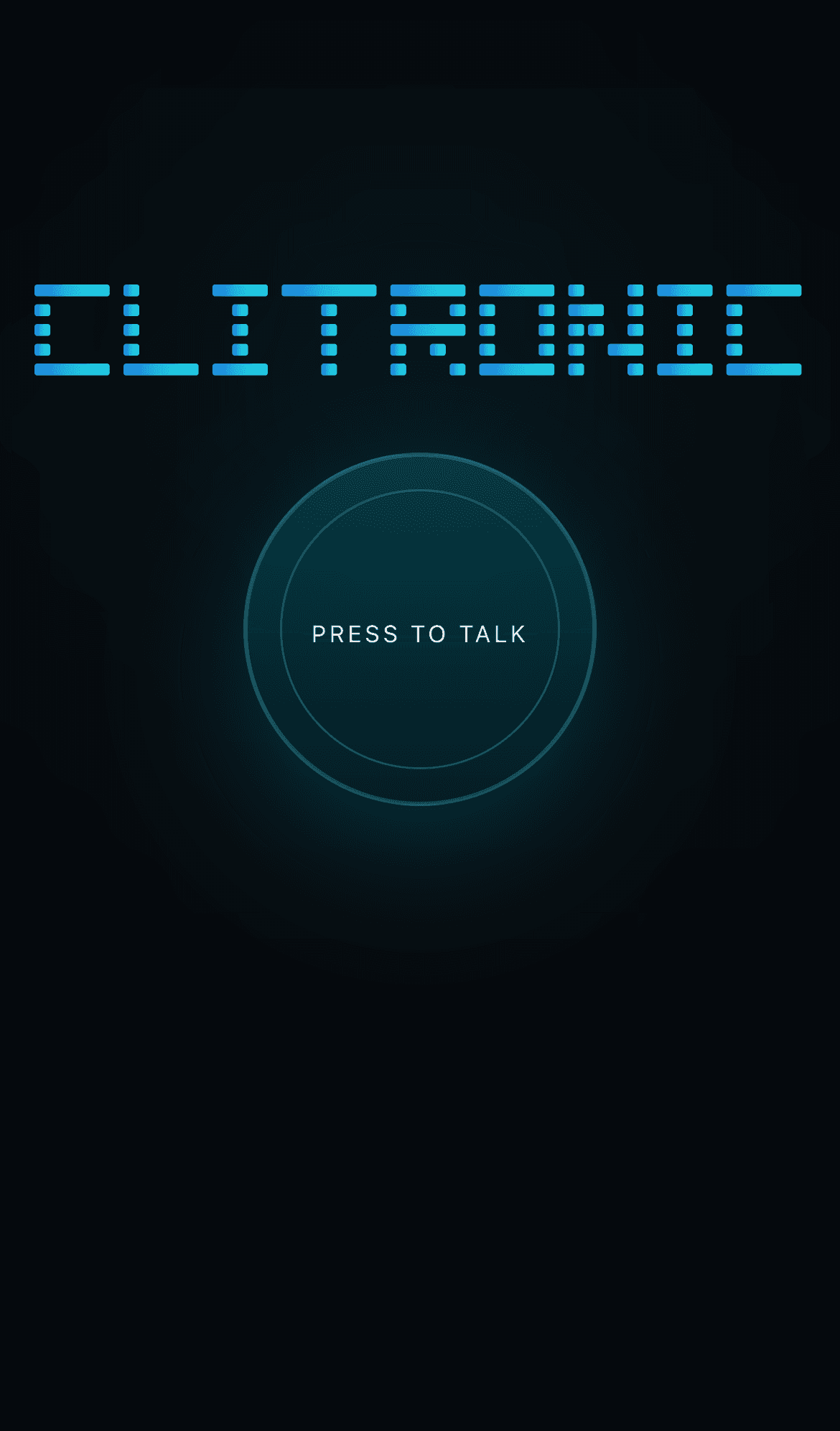
Clitronic is a voice-first electronics companion for people trying to make sense of circuits, components, microcontrollers, or hardware problems. The live site starts with a simple promise: press to talk, ask your electronics question, and get focused help without opening a busy chat interface.
Press to talk, ask the electronics question, and get focused help without starting from a blank chat box.
The project exists because hardware questions are rarely neat. Someone might be holding a component, looking at a breadboard, reading an error from a serial monitor, or trying to remember whether a pin should be connected to power, ground, or a resistor. In that moment, speaking is often easier than typing.
Most assistant interfaces begin with a textbox and expect the user to translate the problem into a clean prompt. Clitronic moves the starting point closer to the real situation. It is designed around voice first, then answer, rather than chat first, then workflow.
The interface is quiet because the user's actual problem is already noisy.
That is why the interface is intentionally stripped back. The dark, cinematic treatment is not just decoration; it makes the product feel like a focused bench tool instead of a generic AI assistant. The screen gives the user one obvious action and then gets out of the way.
For an end user, the value is straightforward. If you are stuck on an electronics problem, Clitronic gives you a direct way to ask for help without needing to format the question perfectly. It is meant to feel approachable for beginners, but specific enough for people already building with hardware.
Clitronic is a live prototype for a more useful kind of technical assistant: specific, immediate, and easy to approach.
The current version demonstrates a minimal voice-first product surface built with Next.js, React, Tailwind CSS, and Vercel. It is a live prototype, and the best way to understand it is to open the site and try the interaction directly.